
Citylinx, the automated city operations
Automate your city operations for higher efficiency & reduced costs
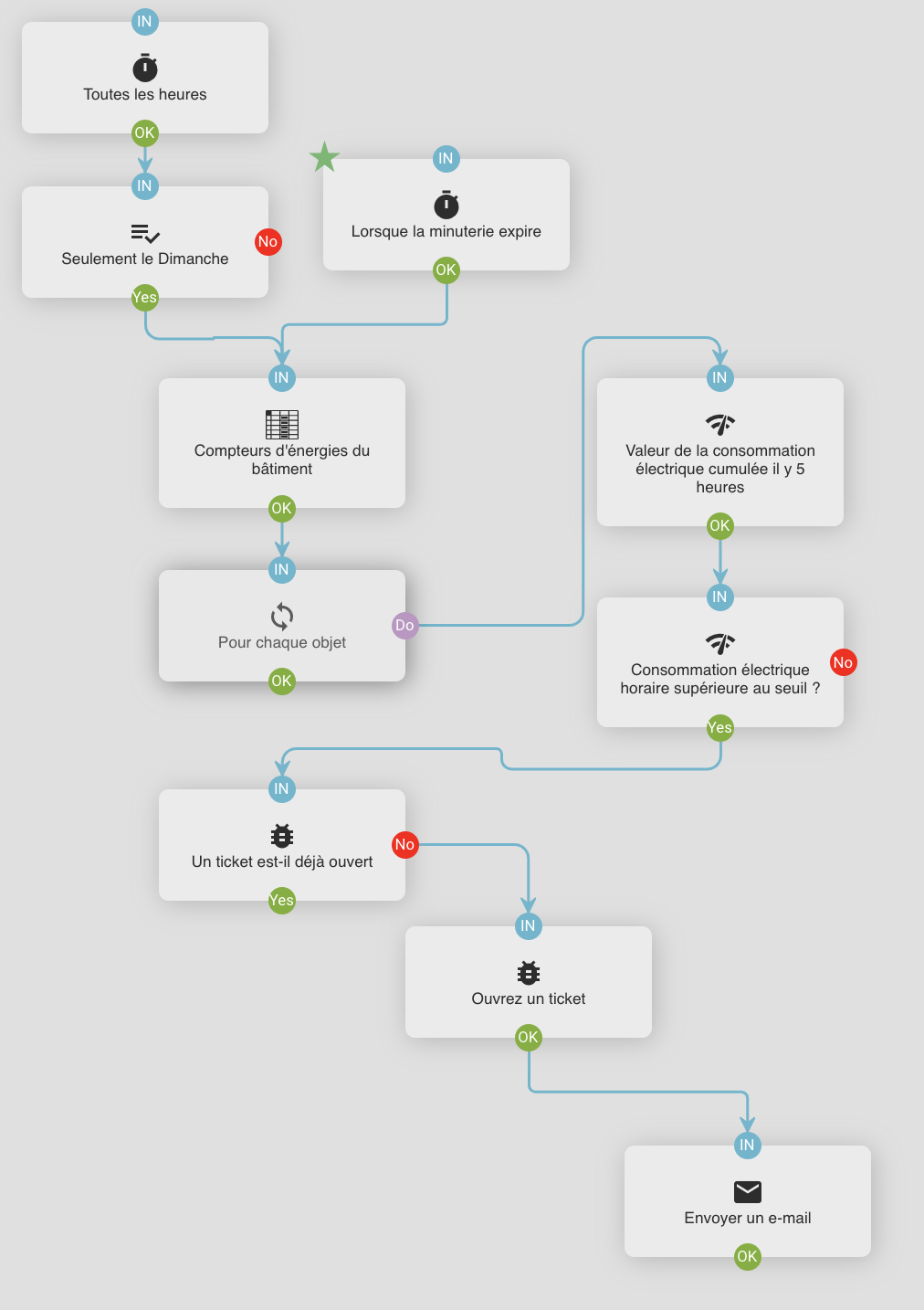
Your challenge: Paper-based city processes are painful for city operators to execute and difficult to audit when emergency situations occurs, but also when simple city maintenance operations are required. Citylinx connects to all your city systems and provide rule engines and scenario editor to design, execute and audit them all. With Citylinx, your city operations are automated!

Some of our key features
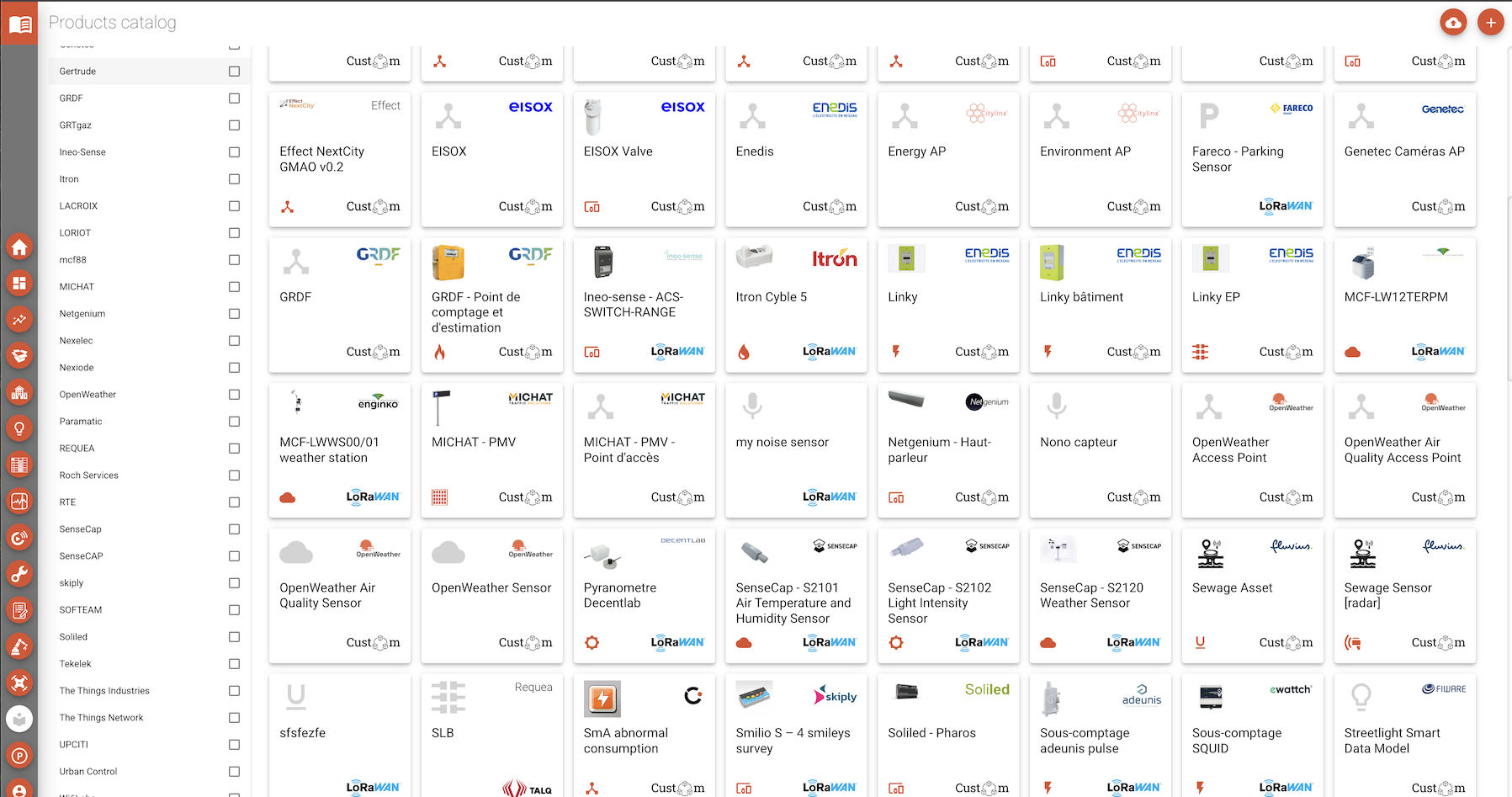
Connect & control all city systems
Citylinx connects & controls all your city systems & sensors: traffic, outdoor lighting, parking, AI cameras, GIS, work order management and more. It collects time series data and sends configuration and commands to execute manual or automated scenarios.
Augmented data & analytics
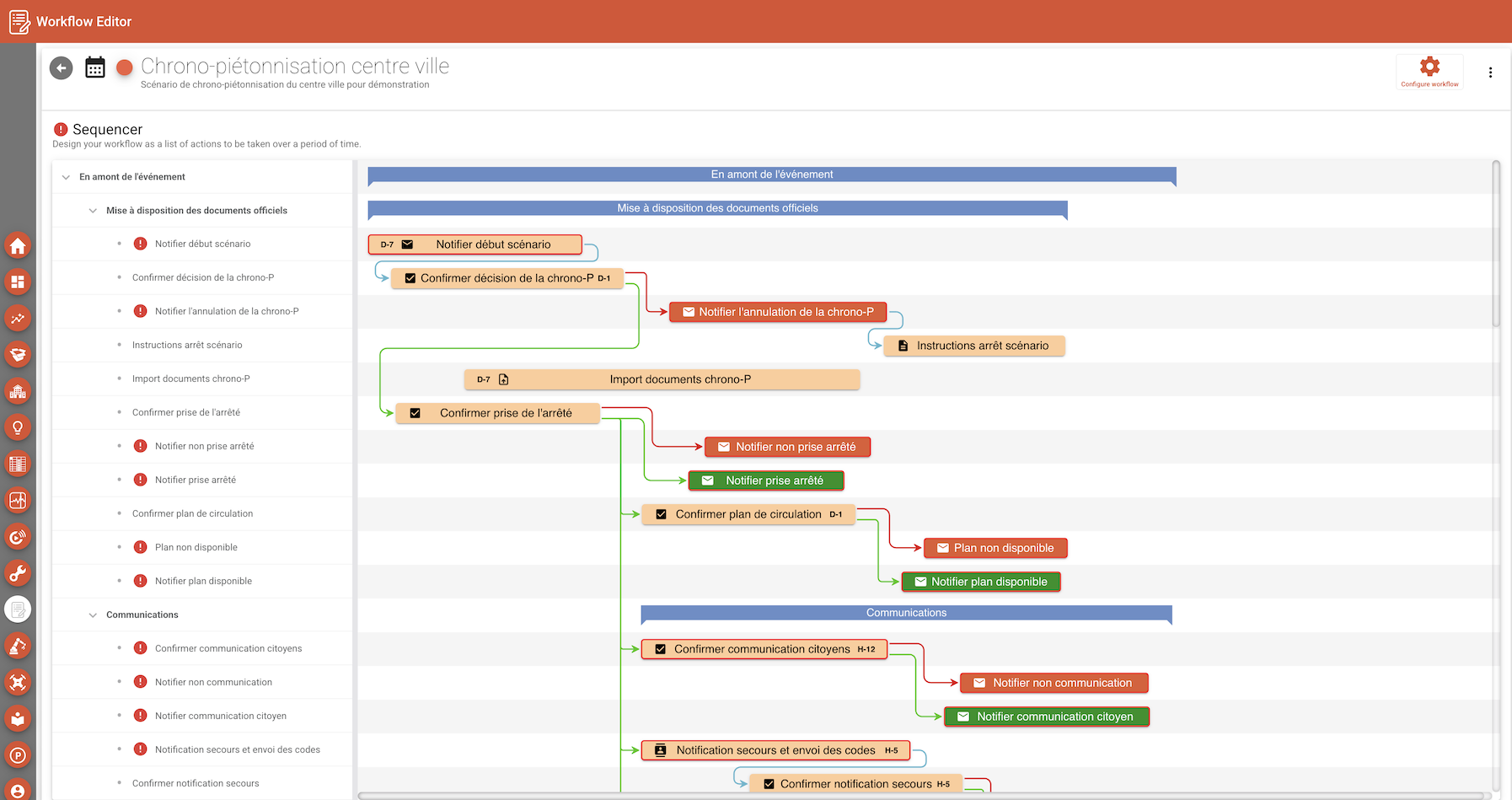
Advanced scenario editor
Citylinx’s scenario editor enables to schedule and organize all actions to be executed when planned events (maintenance works, road works, sport and cultural events for instance) or unplanned events (car accidents and extreme weather events for example) occurs.
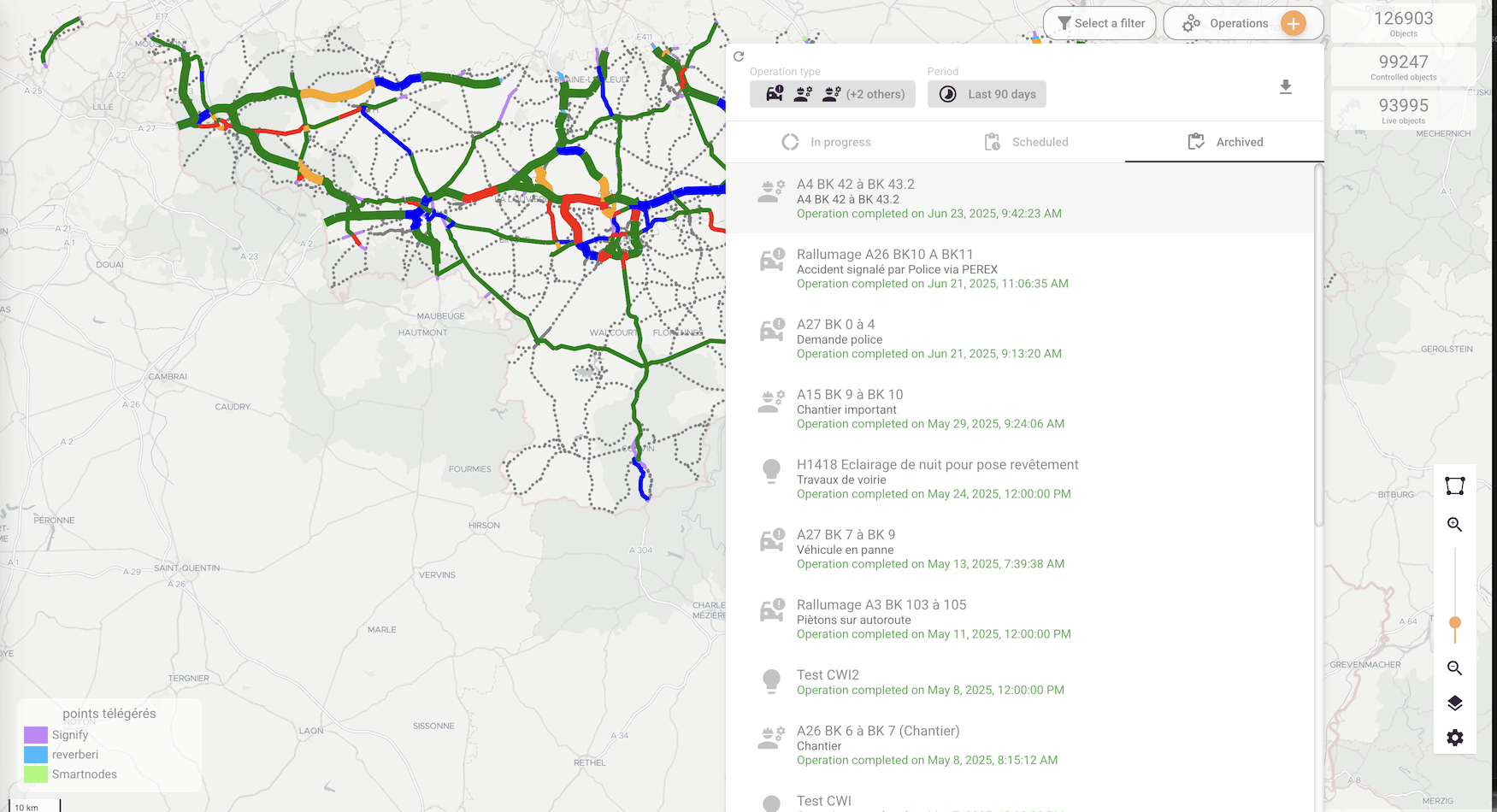
City operations execution platform
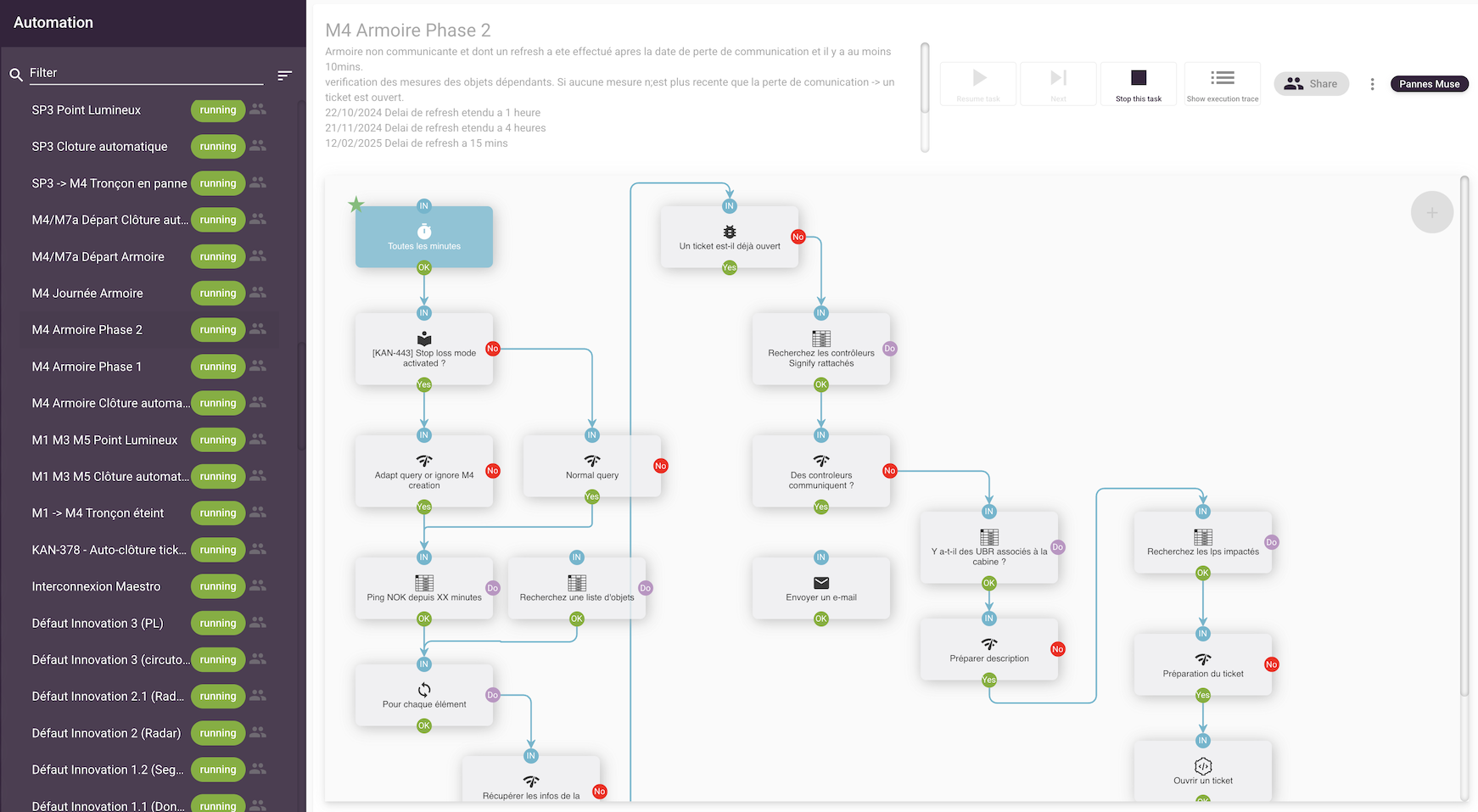
Any city automated scenario designed with Citylinx can be triggered manually by a city operator or automatically at a given date and time or when a specific event occurs (ticket open, alarm triggered or weather event detected for example).
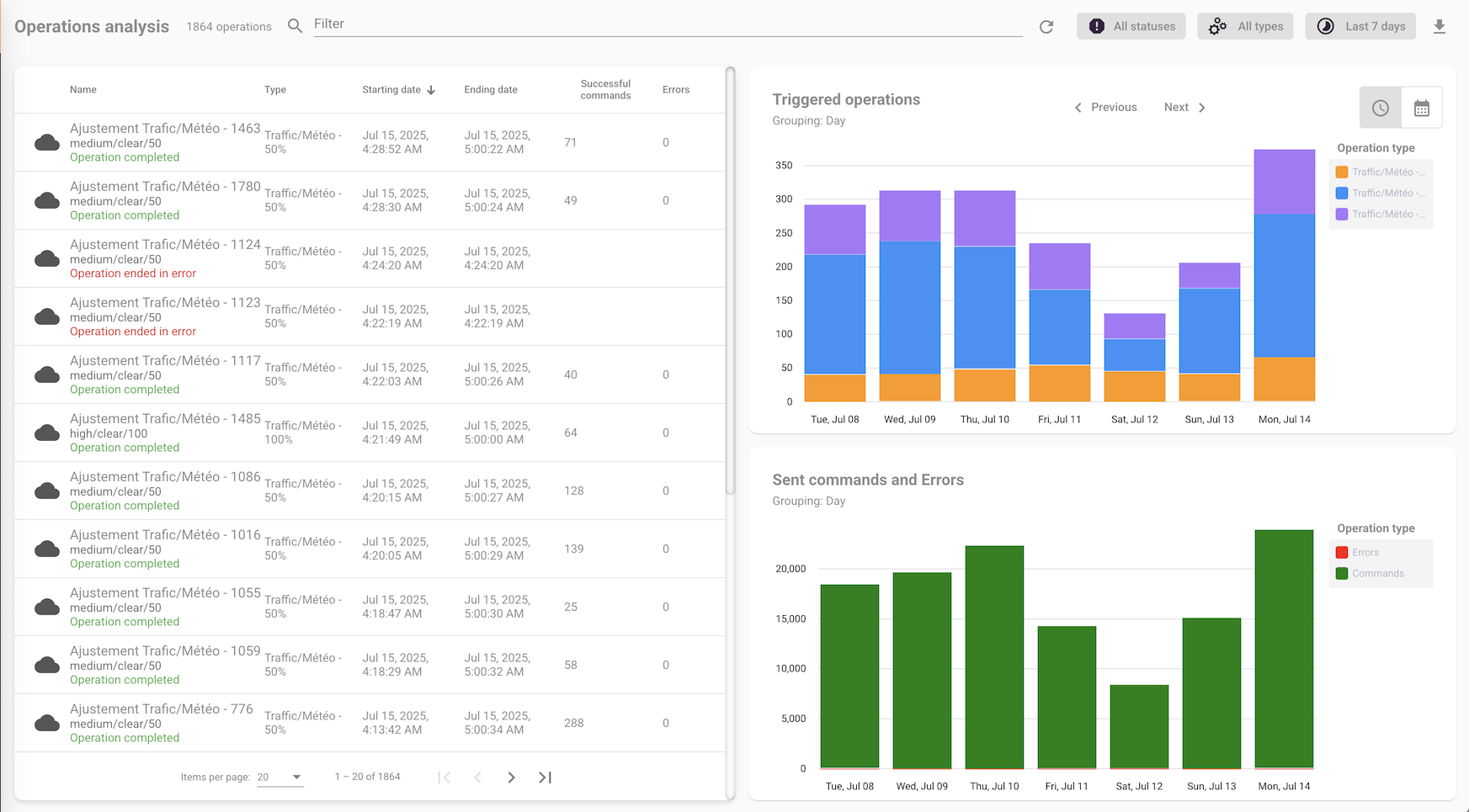
Audit of automated city operations
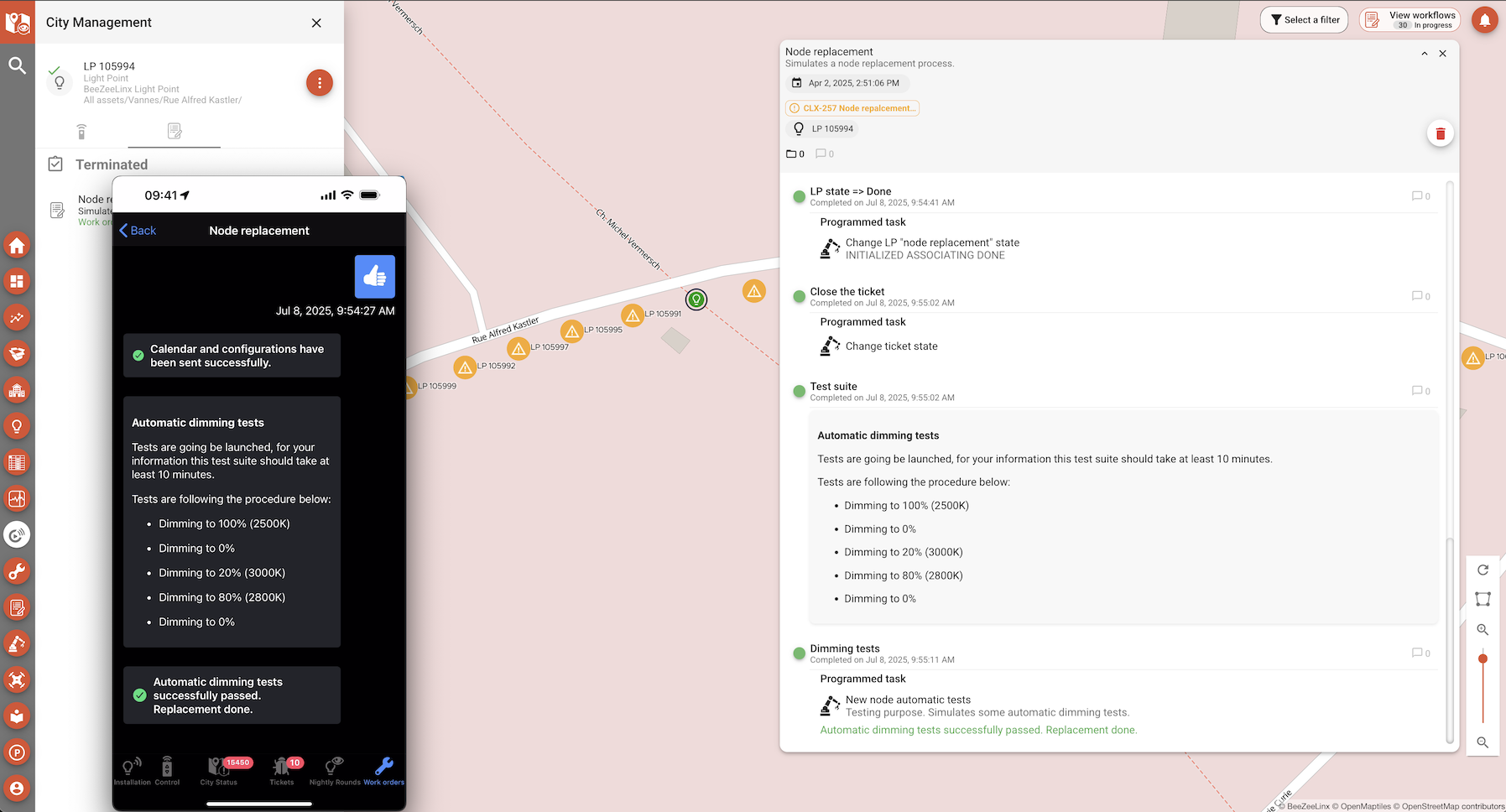
Run & track operations on mobile tool
Frequently Asked Questions
What kind of operations can Citylinx automate ?
All operations and scenario that require interaction with 3rd party systems, from simple emails and calendaring, to more complex city systems that require command and control, such as traffic, building automation, outdoor lighting, parking and other.
Could you give examples of planned automated operations ?
Citylinx supports the execution of automated scenario that are triggered when planned events occur: complex maintenance actions, road works at night, sport or cultural events that require communication on city information panels, full ON commands to outdoor lighting or specific traffic lighting scenario for example.
Could you give examples of unplanned automated operations ?
Citylinx supports the execution of automated scenario that are triggered when unplanned events occur: specific communication on city information panels and ON/OFF commands to outdoor lighting when tram/car accident or flooding event occurs for example.
Are automated operations auditable ?
Yes, each single step of each automated scenario is logged when executed, so that city officers, and their subcontractors, can demonstrate their activity during any event. Citylinx provides auditable reports and search engines to retrieve passed event and scenario.
Does Citylinx have a library of preset City Automated Operations Procedures ?
Yes, Citylinx comes with a list of existing city operations procedures that you can use as template to accelerate the automation of all your procedures. Amongst others, this includes extreme weather operations (extreme heat, flooding, snow operations), sport and other events which require automated operations on traffic scenarios, waste collection plans, city information panels and outdoor lighting, and various maintenance operations on traffic cabinets, outdoor lighting, access control and public buildings.
Let's start now!
Get in touch with our expert team who will help you integrate Citylinx in your solution, connect to your city equipment, implement your interactive lighting system or help you design and automate your city workflows.